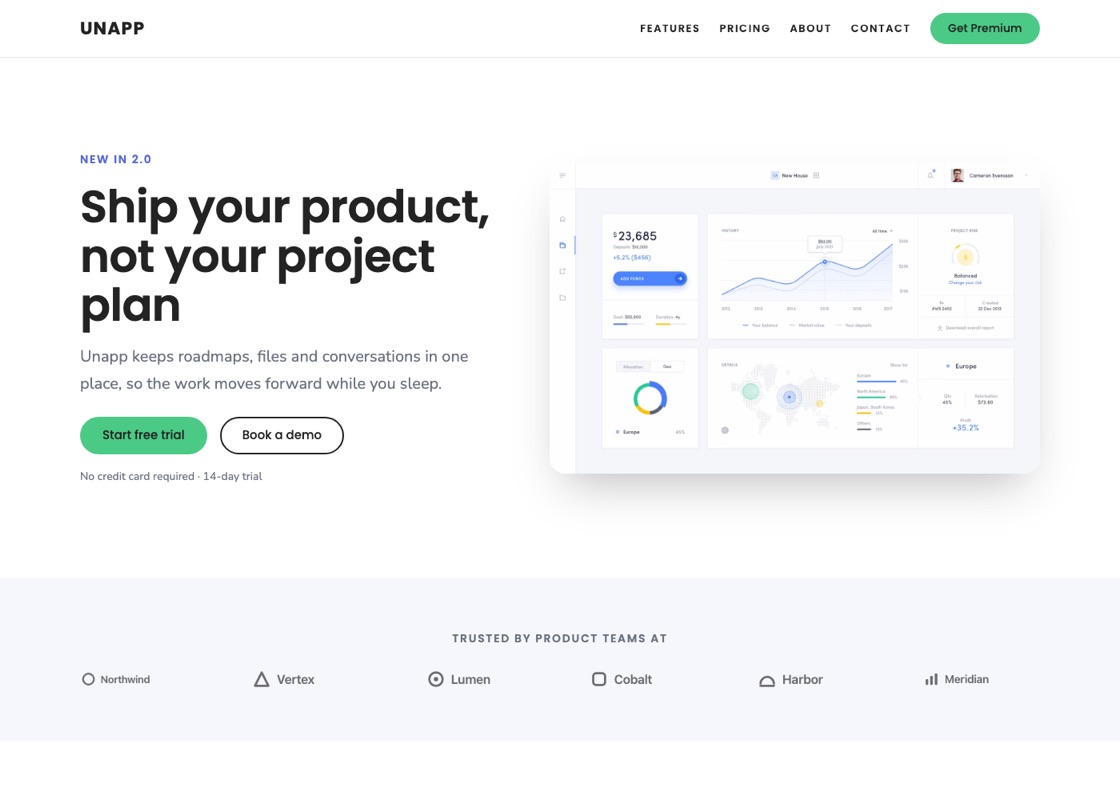
SaaS & app
The default: a product landing page with features, proof, pricing and a free-trial call to action.
See the demoStarter sites
A starter is not a demo importer. It is a definition — a palette, a typeface, a home page composition, a set of supporting pages, a menu and a footer — that the theme assembles into real block content you own and can edit.
Go to Appearance → Starter Sites. The wizard has three steps:
Then it creates the pages, builds the menu, sets your front page and applies the style. It takes a few seconds.
Nothing is deleted. Applying a starter — or switching to a different one later — only ever adds. Your existing pages stay exactly where they are, in the Pages list.
The default: a product landing page with features, proof, pricing and a free-trial call to action.
See the demo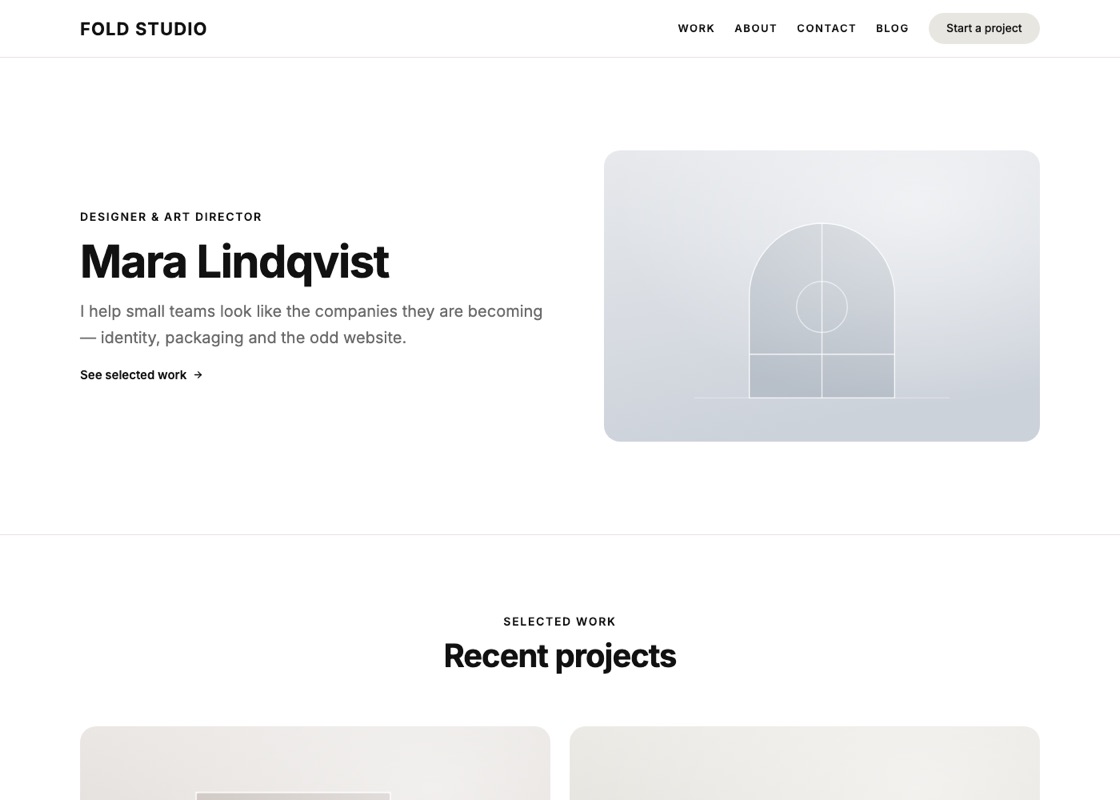
Work first: a project grid, how you run a job, rates, a client quote and what you are booking.
See the demo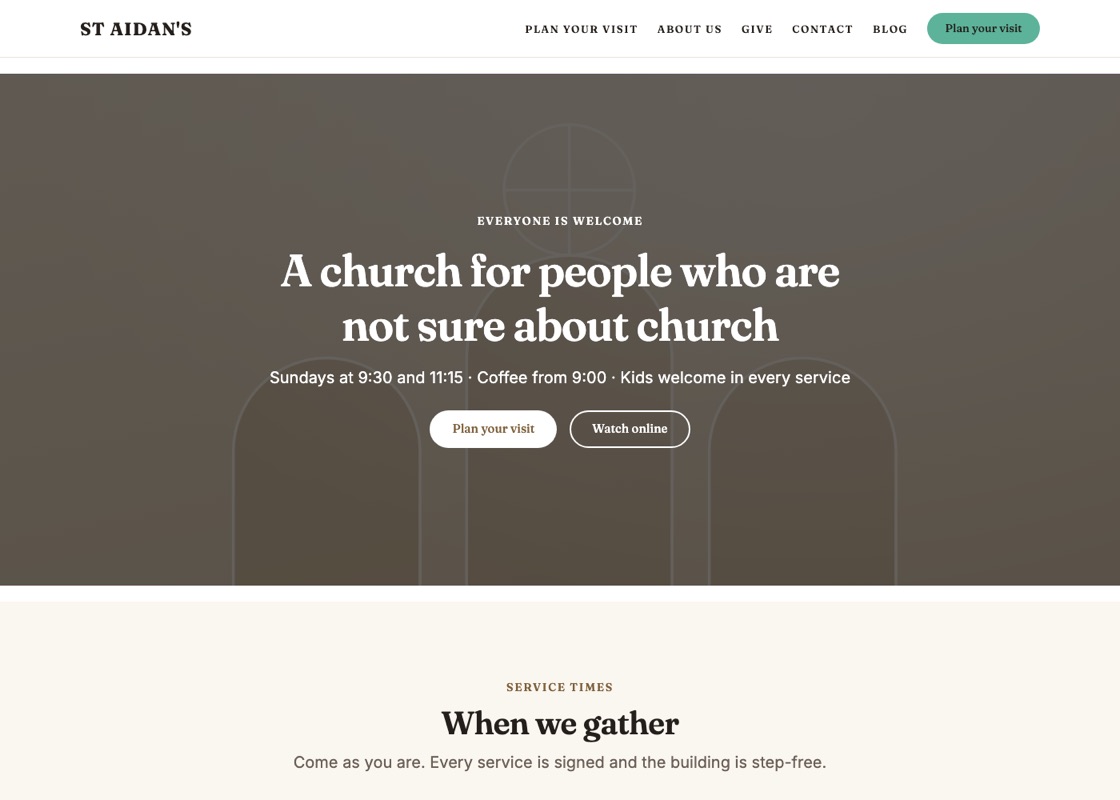
Service times, what to expect on a first visit, ministries, staff, events, giving and directions.
See the demo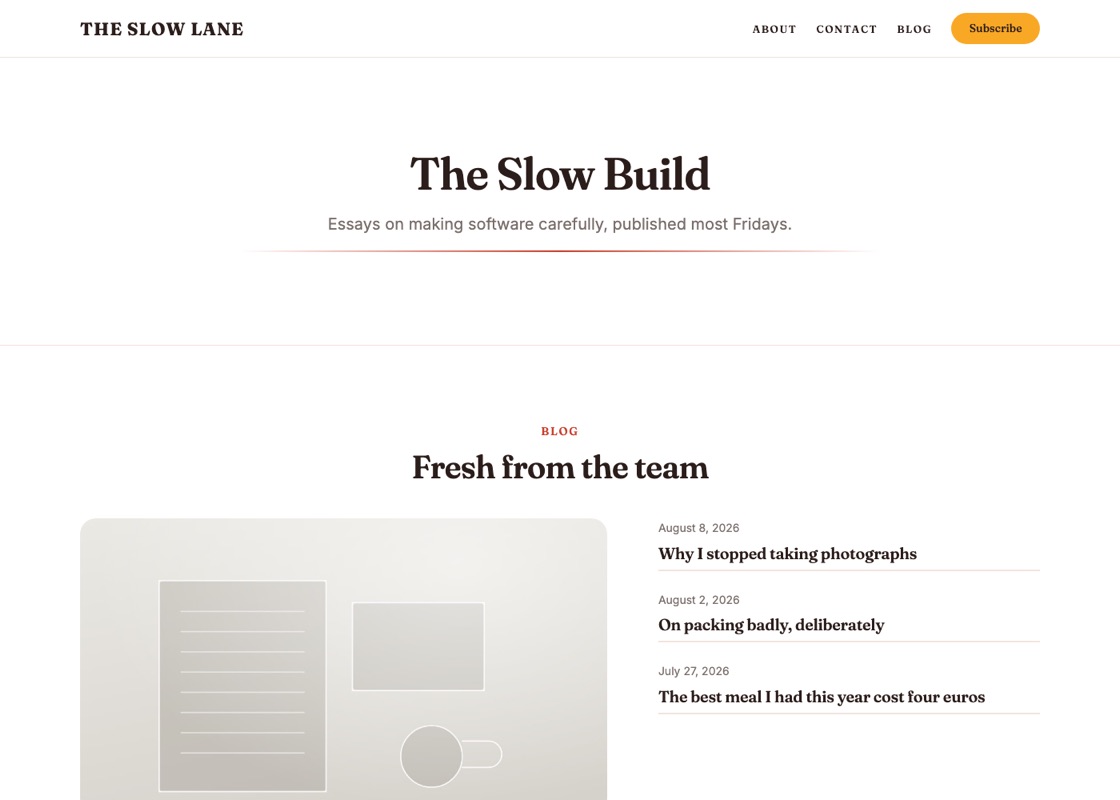
A masthead, a featured post, category tiles that read your real categories, and a subscribe band.
See the demo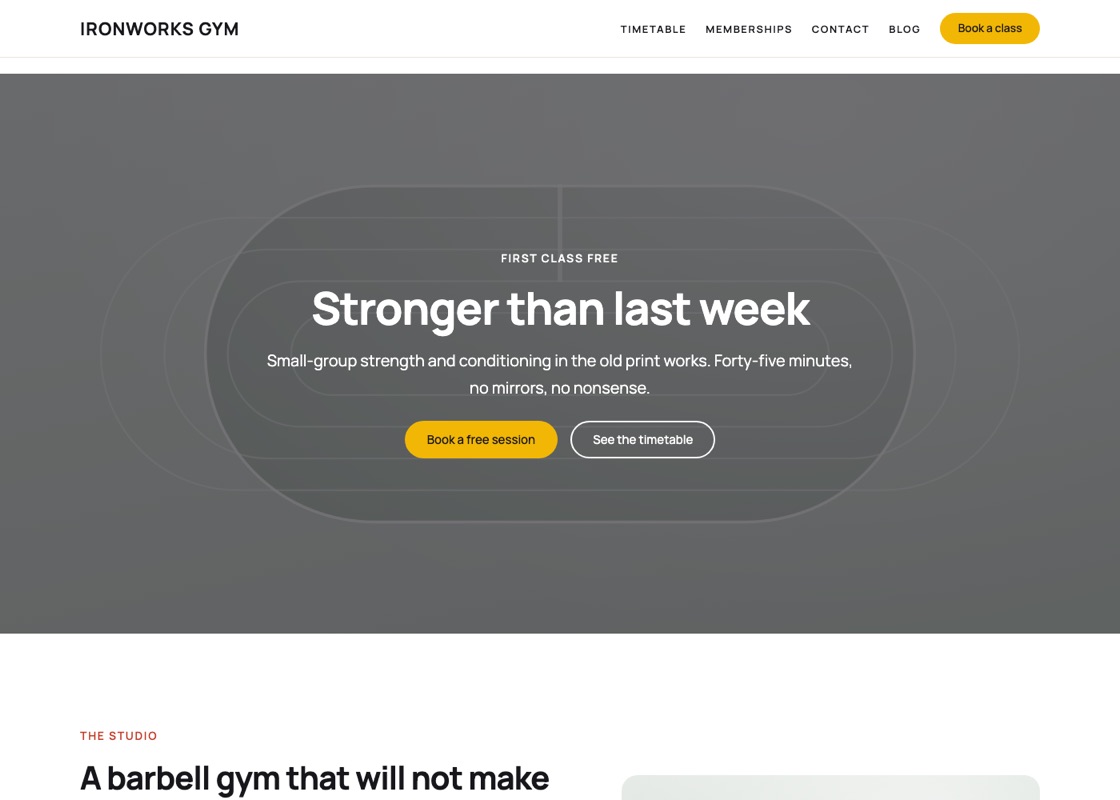
A class timetable, coaches, membership prices, member stories and a free first session.
See the demo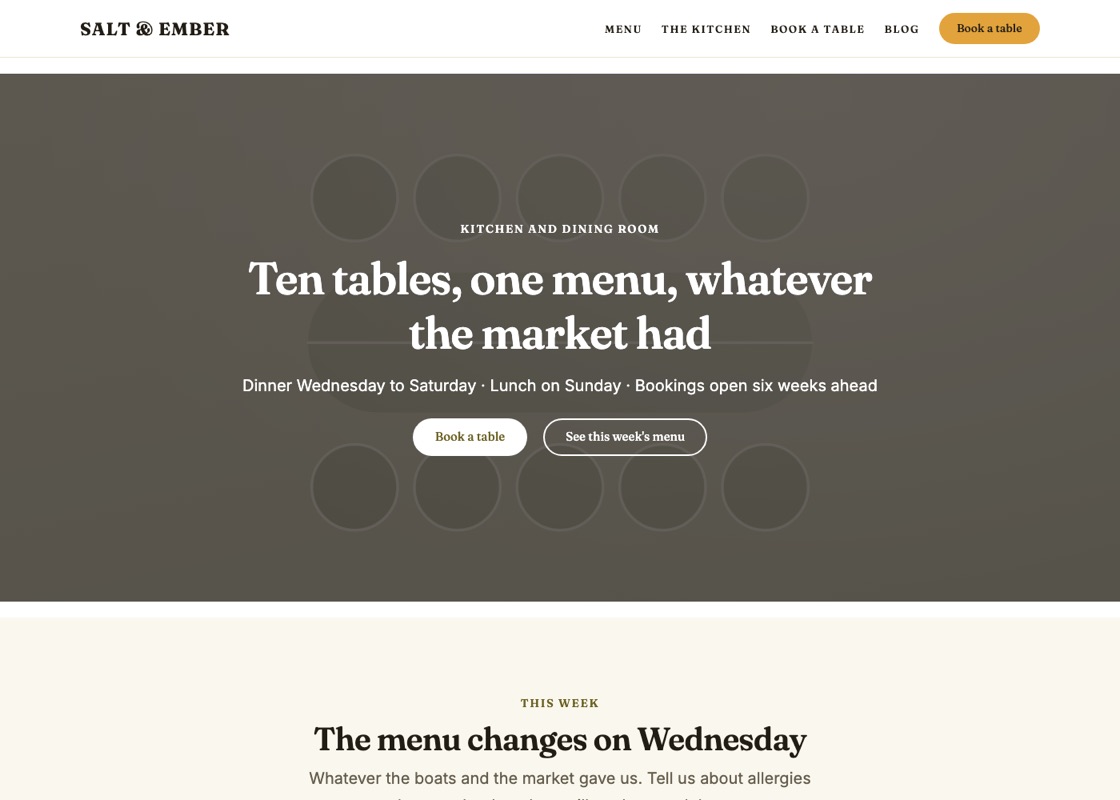
A cover hero, the week\u2019s menu, the kitchen, reviews, opening hours and a booking band.
See the demo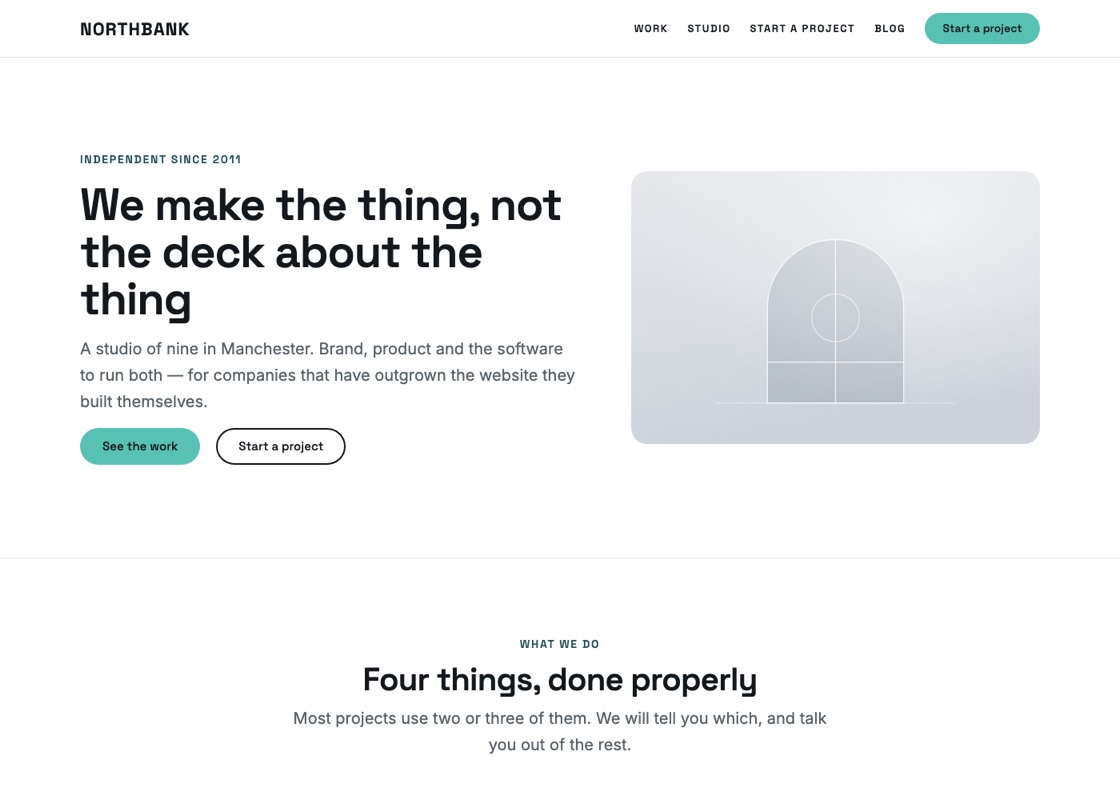
A studio introduction, capabilities, a client list, published rates, the team and an enquiry form.
See the demo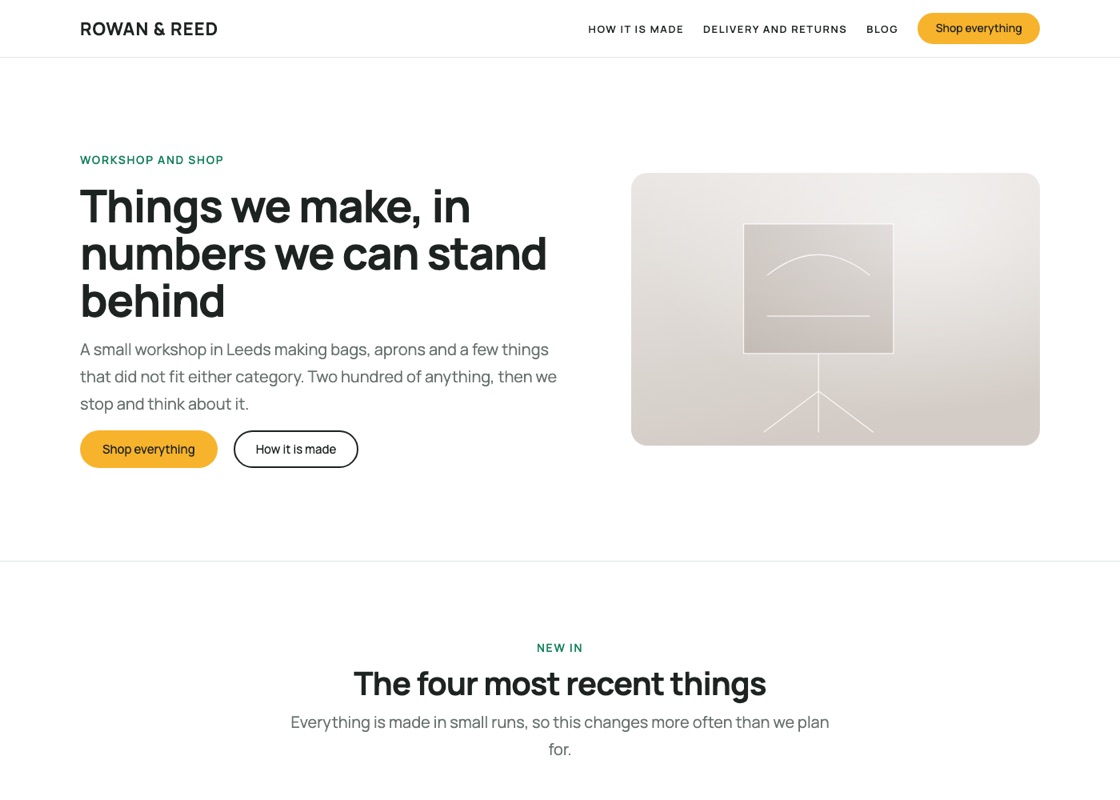
A storefront: hero, newest products, the promises that matter, how it is made and delivery answers. Needs WooCommerce.
See the demo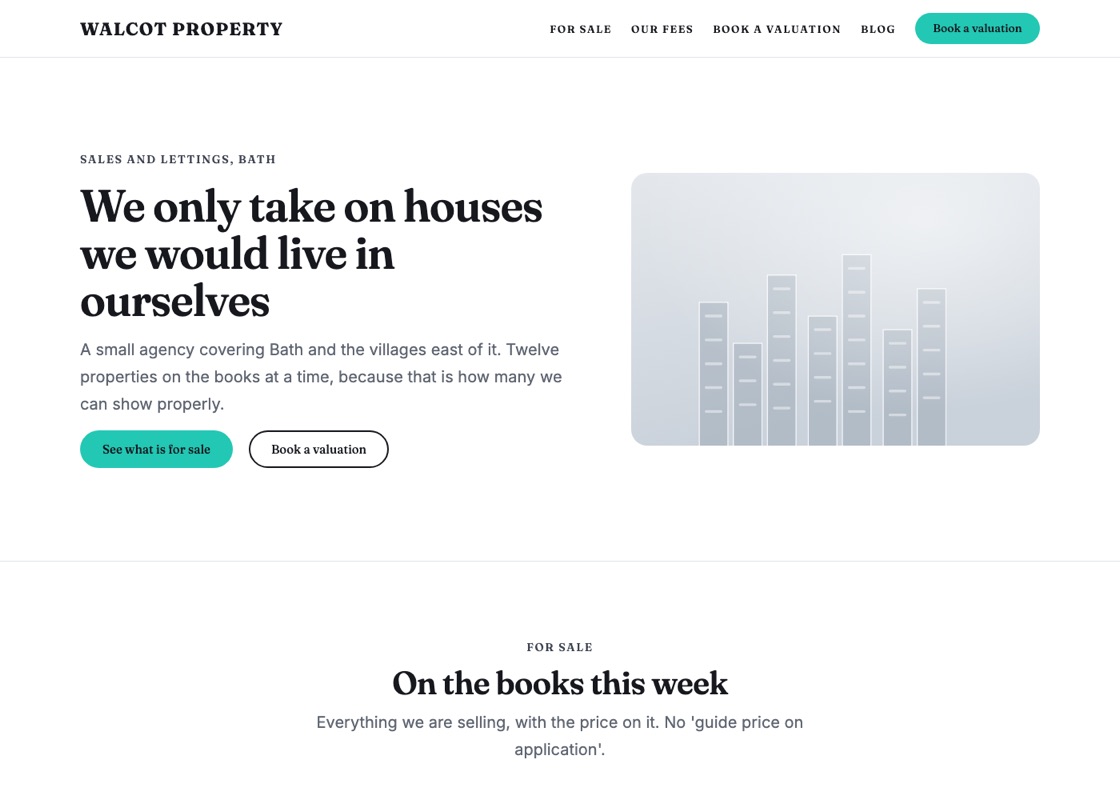
An estate agency: current listings with prices on them, published fees and a valuation enquiry.
See the demo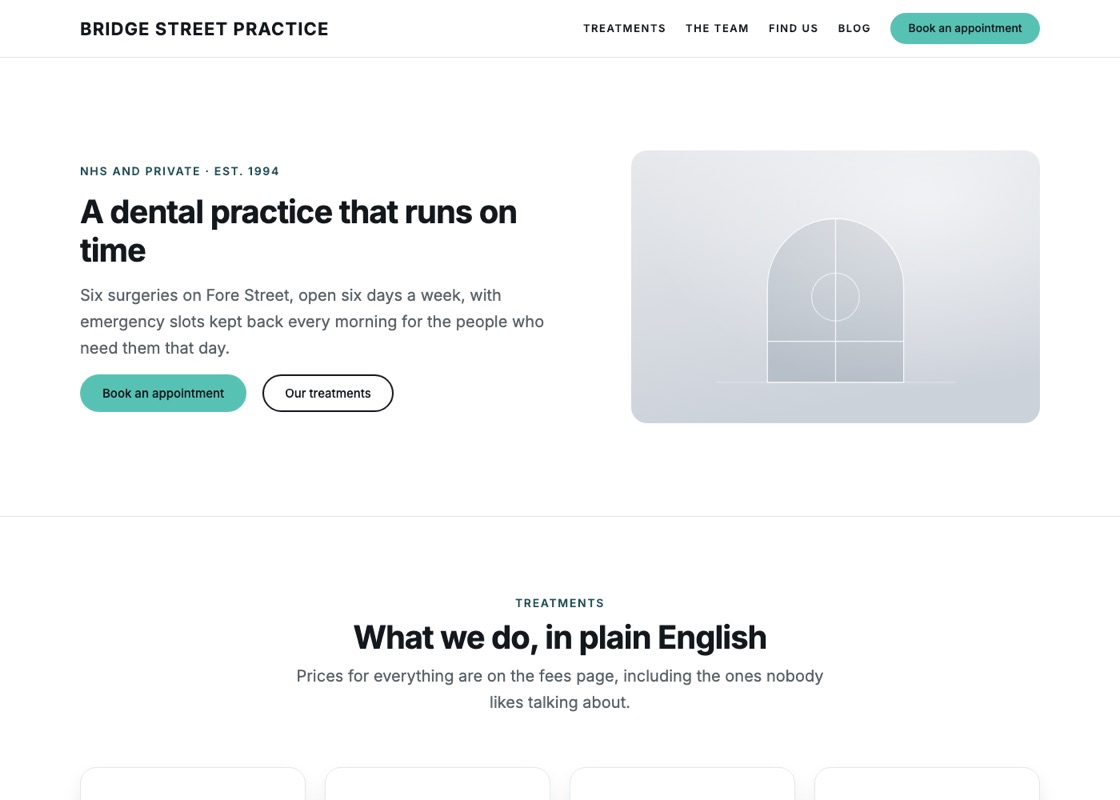
A clinic or dental practice: treatments in plain English, clinicians with qualifications, patient questions and opening hours.
See the demo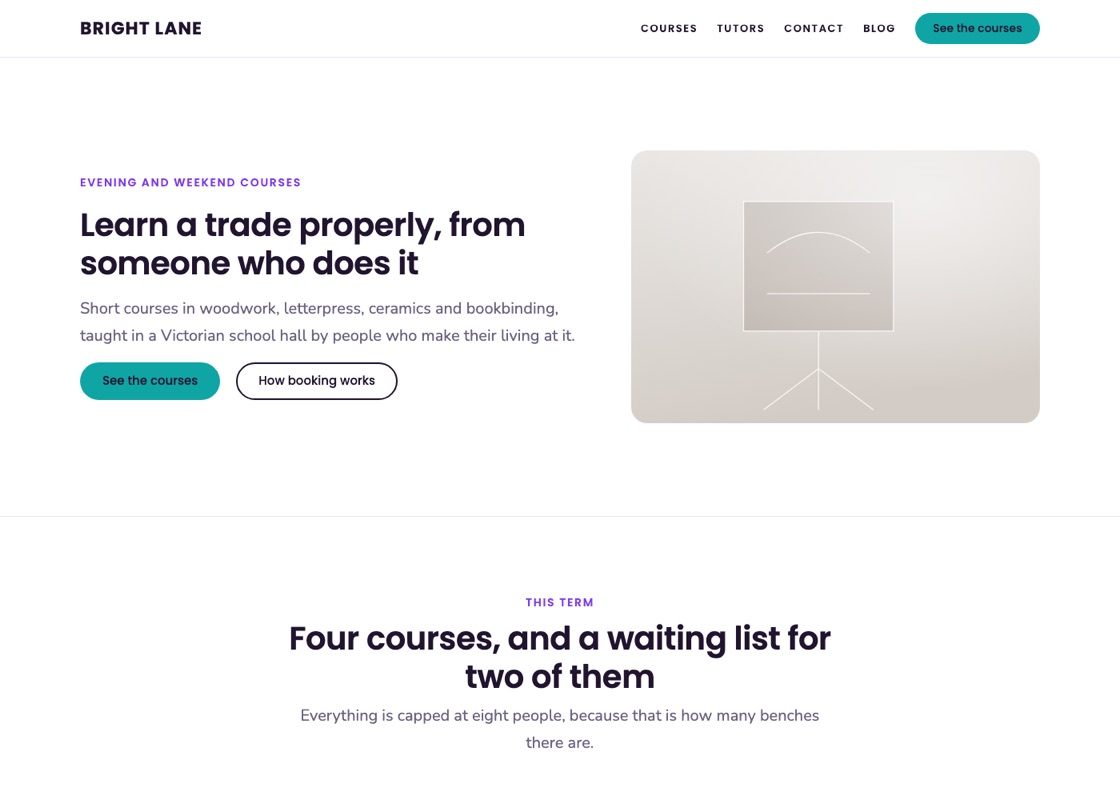
A course provider: the term\u2019s timetable with prices, the tutors who teach it and how booking works.
See the demo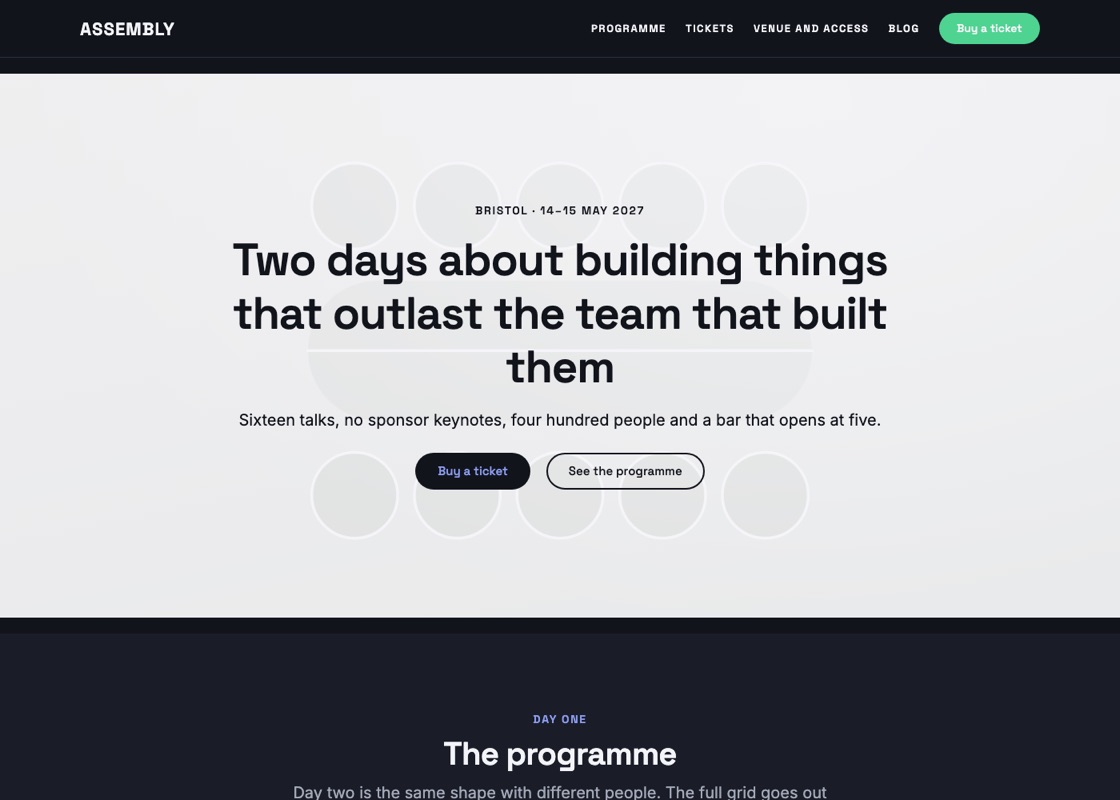
A two-day event: the programme, announced speakers, three ticket tiers and the venue with its access provision.
See the demo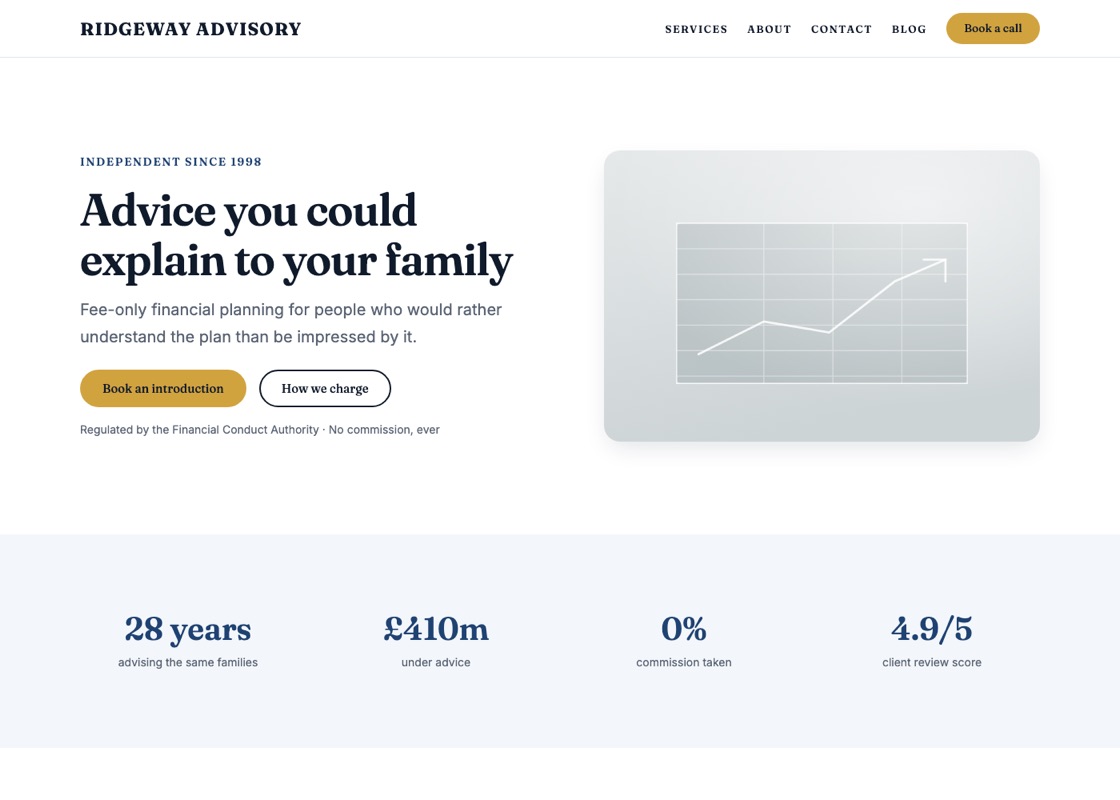
Credentials, plain-English services, how advice works, fees, advisers and the risk warning.
See the demoEvery section a starter creates is marked content-only. Headings, paragraphs, images and buttons stay fully editable; the groups, columns and separators holding them together are locked, so you cannot accidentally drag a layout apart while changing a word.
To unlock a section, select it and choose Modify in the block toolbar. Everything becomes editable again — there is nothing proprietary underneath, just core blocks.
You do not have to use a starter. Create a page, open the inserter, and choose from the 163 section patterns directly — the same pieces the starters are assembled from. There are also nineteen full-page starters (landing page, pricing, about, contact, careers, help centre, changelog, legal, coming soon and more) under Full-page starters in the pattern modal.