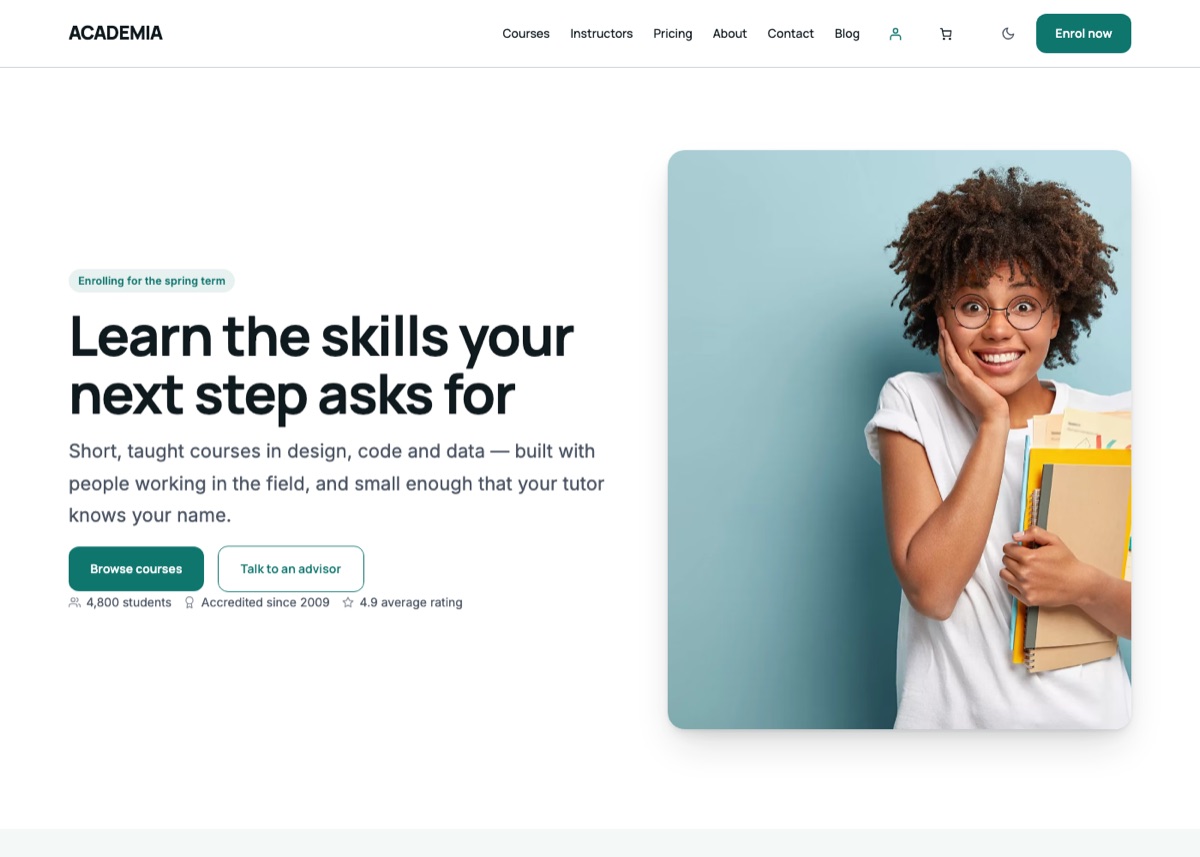
Online academy
The default: a course catalogue with levels and prices, the tutors who teach it, student results and enrolment.
See the demoSix looks, one per kind of teaching institution. Each applies its own colour palette, typeface, home page, supporting pages, navigation and header call to action — and each has its own hero copy, so a university does not read as an online academy.
Apply one from Appearance → Starter Sites. Nothing is ever deleted: a second starter creates a new home page and leaves the first in your Pages list.
The default: a course catalogue with levels and prices, the tutors who teach it, student results and enrolment.
See the demo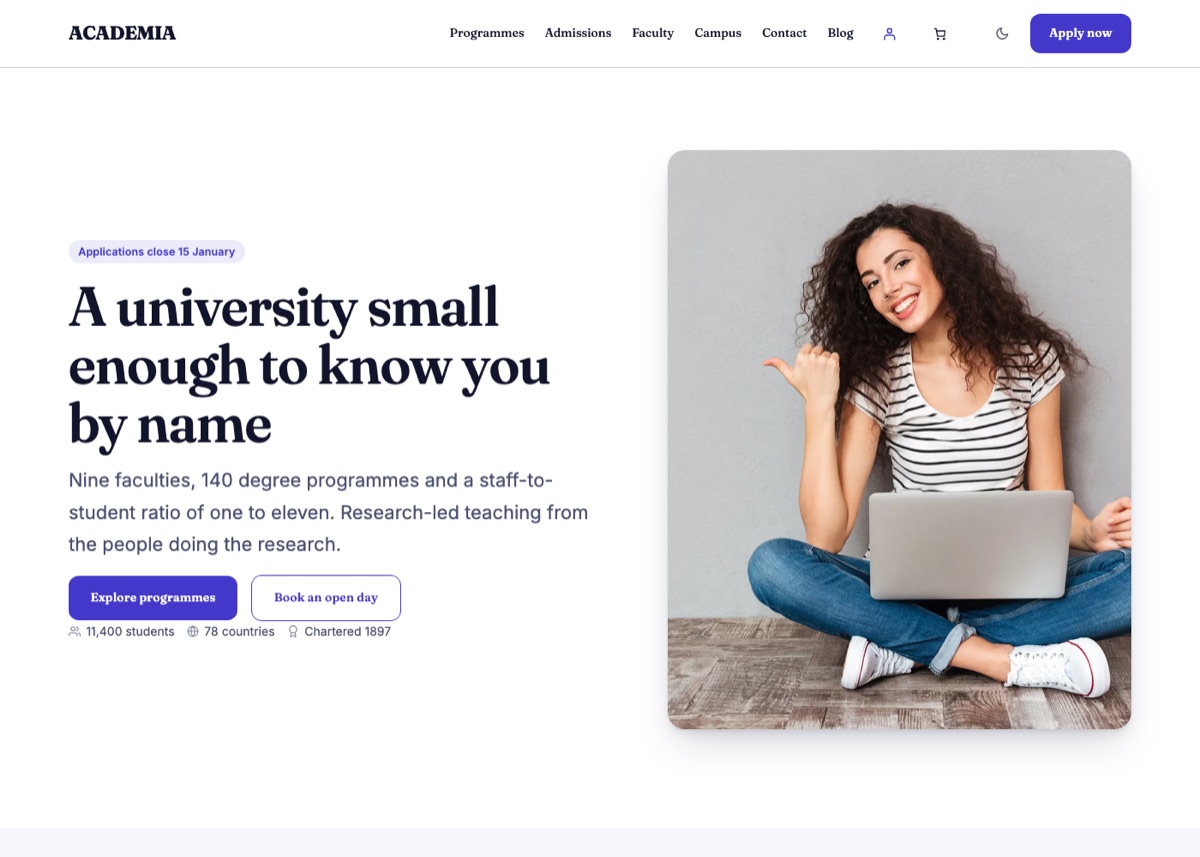
A degree-awarding institution: faculties and programmes, admissions with its deadlines, research and campus life.
See the demo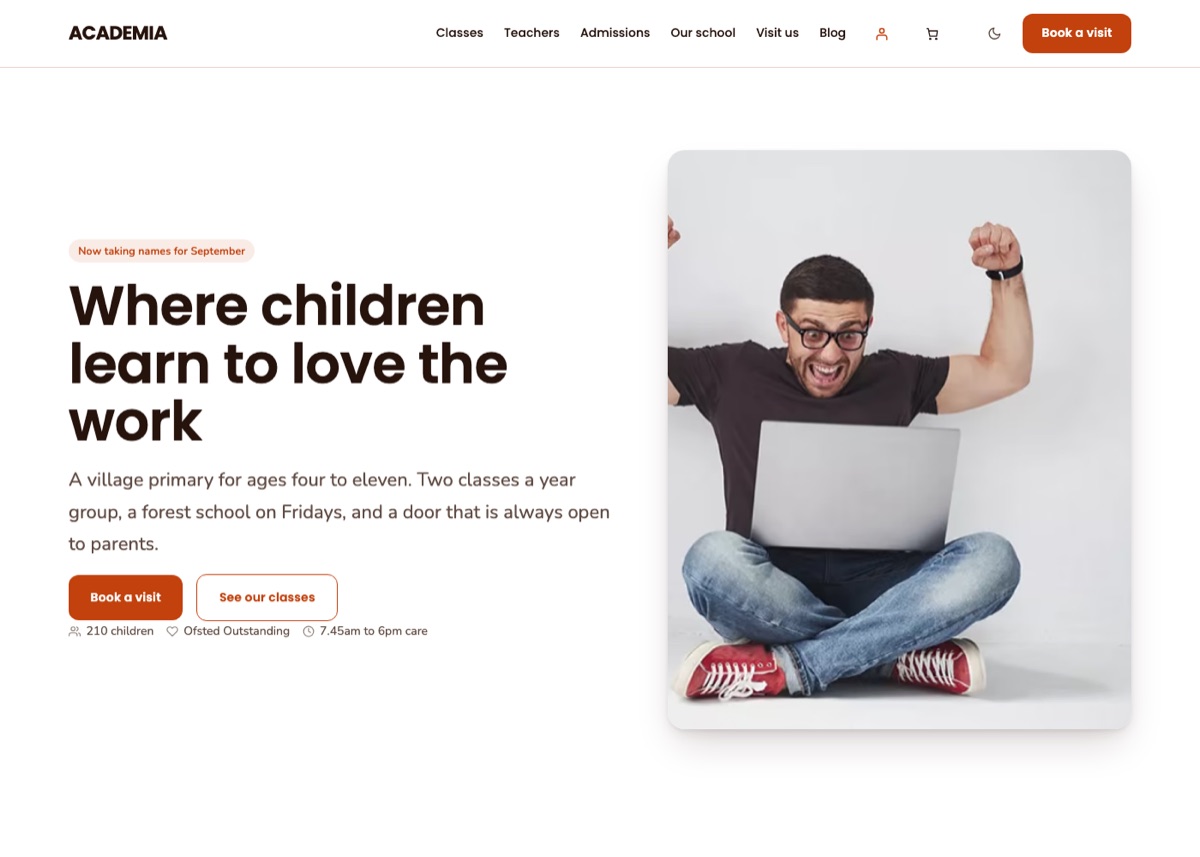
A primary school: the classes by age group, the teaching team, the term calendar and how to arrange a visit.
See the demo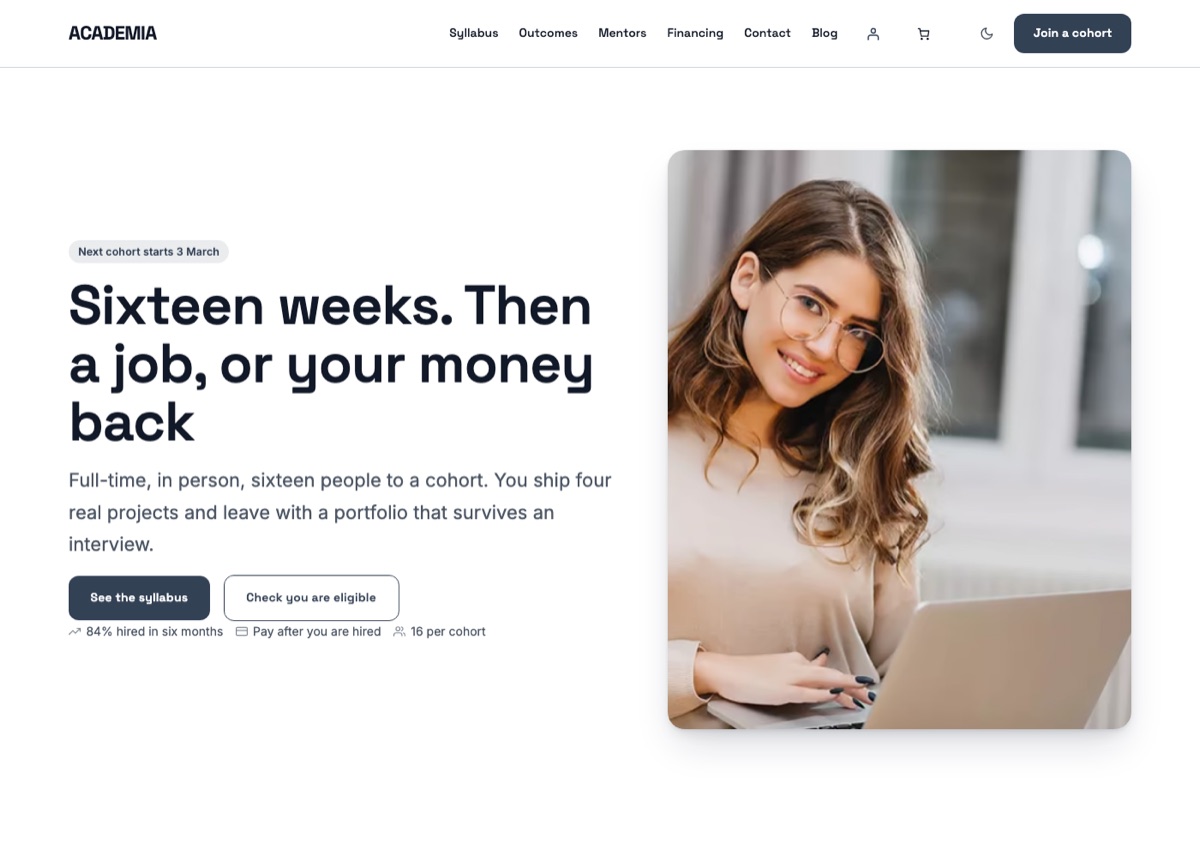
An intensive technical course: the syllabus week by week, the cohort dates, hiring outcomes and financing.
See the demo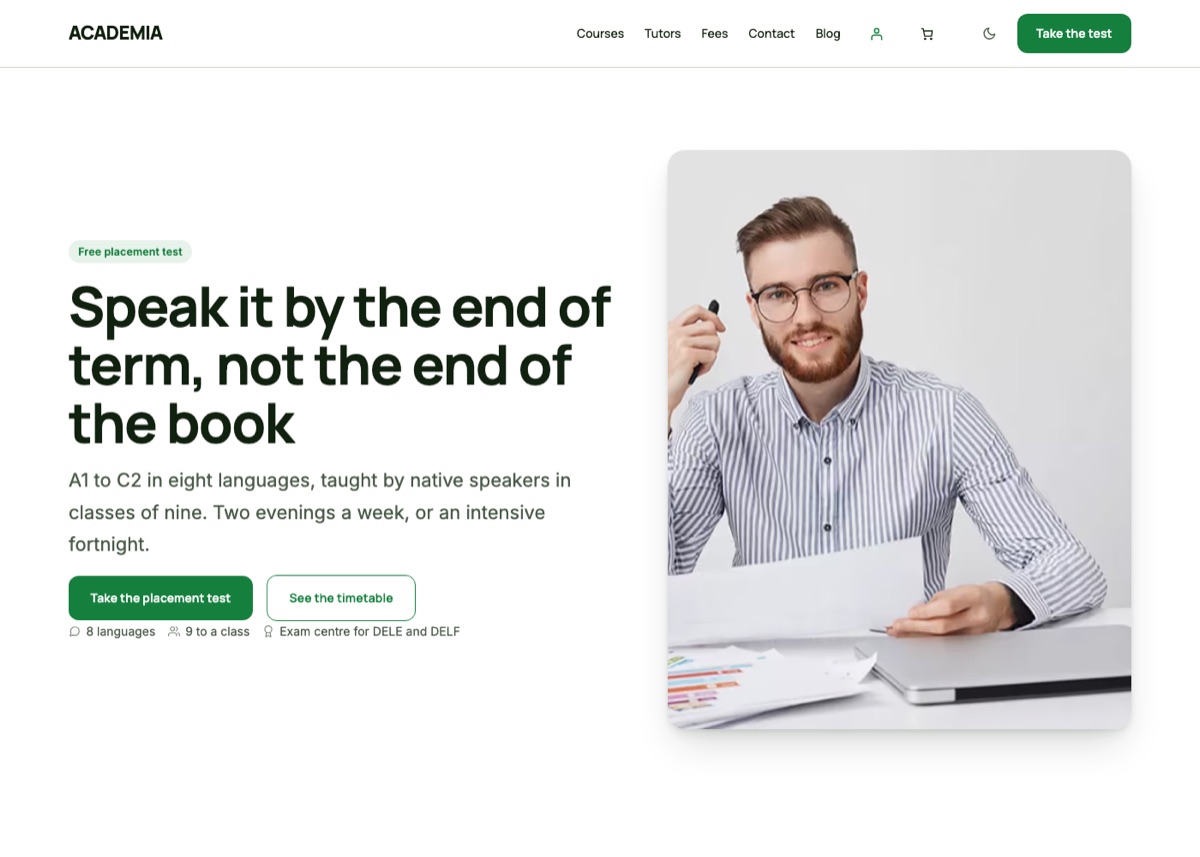
Language courses by level, from A1 to C2: class sizes, native-speaker tutors, exam preparation and term fees.
See the demo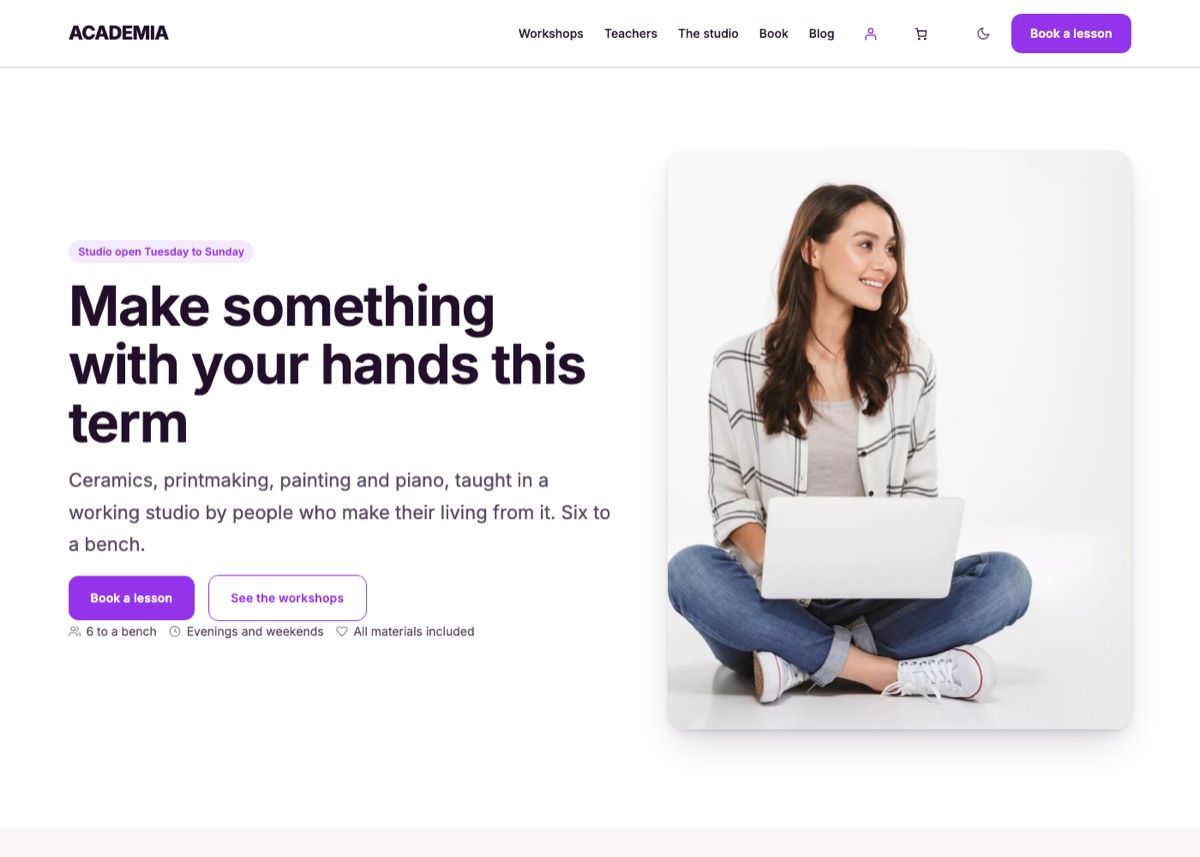
A creative academy: workshops and one-to-one tuition, the studio itself, student work and a booking form.
See the demoSections are locked to content only, which means the words and pictures stay editable while the scaffolding stays put. Unlock a section from the block toolbar if you want to rearrange it.
Applying a different starter is safe. Your old home page stays in Pages and you can switch Settings → Reading back to it at any time. Courses, posts and media are never touched by a starter.